Fix
Why your Tinder photos look blurry
Start by comparing the original photo with the version shown in the app. That helps you decide whether to change the file, the crop or the photo itself.
Short answer
A small source file, soft focus or a tight crop can make a Tinder photo look blurry. Upload processing can reduce detail further. Start with the sharp original from your camera roll, check the crop in the app, and compare the saved result. Enlarging a small image does not restore detail.
Cause 1: your source file is too small
A screenshot or a copy saved through a messaging app may have fewer pixels or more compression than the original. Start with the camera roll file and check its dimensions before making another copy.
Cause 2: the crop is doing the damage
A tight crop keeps only part of the original image. If that smaller area fills the same display space, softness becomes easier to see. Try a looser crop or a portrait-oriented original, then check the app's preview.
Cause 3: it was already soft
Motion blur or missed focus can be hard to spot in a small thumbnail. Zoom into the original and check the eyes. The photo audit estimates sharpness from image detail; a textured background can raise that reading even when the face is soft, so inspect the photo too.
Cause 4: connection and cache
If the same photo looks sharp sometimes and blurry at other times, check your connection and reopen the app before changing the image. An intermittent loading problem calls for a different fix from an original that is always soft.
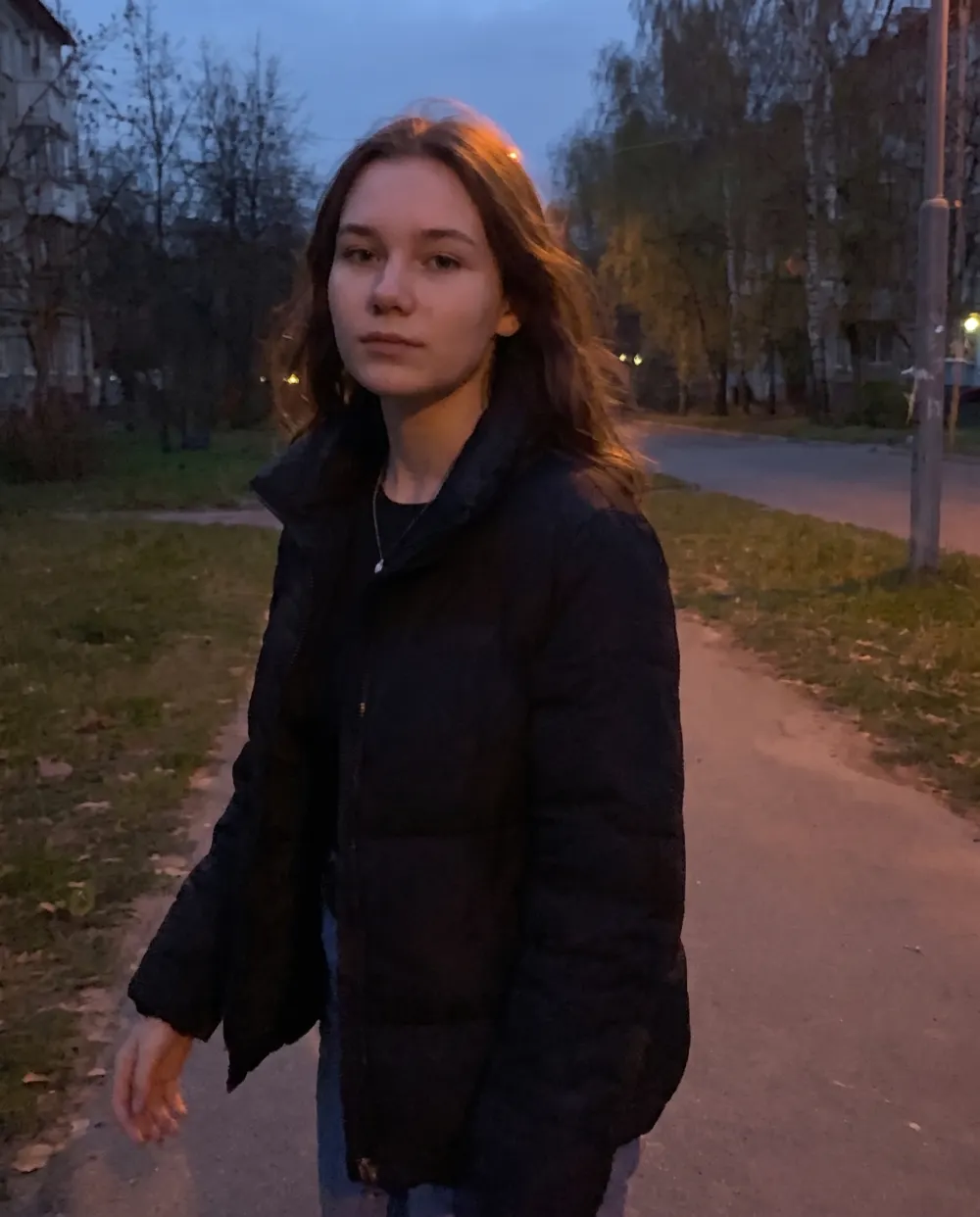
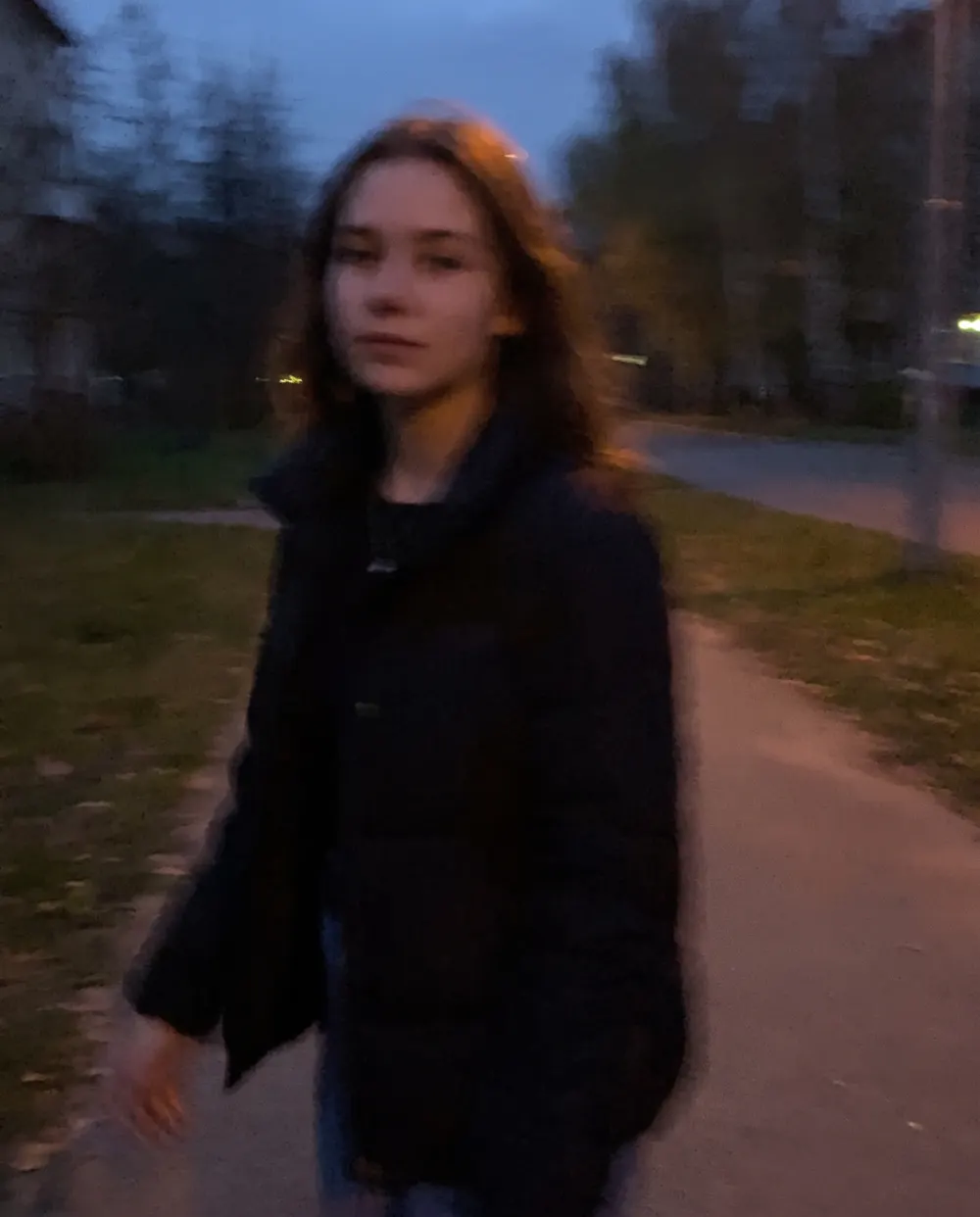
Tinder photo size: source file versus display crop
For our quality check, we recommend a sharp original with at least 1080 pixels on its shorter edge when available. That is our source-image guideline, not an official Tinder minimum or a guarantee against compression.
A 1080 × 1350 image meets that guideline. A 540 × 675 crop from it contains a quarter of the original pixels. Resizing that crop back to 1080 × 1350 makes the file bigger without recovering the lost detail.
Keep the original, leave room around your head and shoulders, and adjust the framing in Tinder's upload preview. The app can still crop an image that you have already made vertical.
The fix, in order
- Find the original file in your camera roll, not a saved or forwarded copy.
- Check the original's dimensions and inspect the face for blur.
- Use the app's crop preview to keep your face visible without zooming in too far.
- Save on a stable connection and check the result after it has loaded.
- If the original is sharp but the result is not, try a looser crop. If the original is soft, choose another frame.
Free · no signup · nothing uploaded
Audit a dating photo
Nine measurements on framing, lighting, eye contact and sharpness. Runs on your phone — the photo never leaves it.
Common questions
- Why do my Tinder photos look blurry after uploading?
- A low-resolution file, tight crop, soft focus or upload processing can reduce detail. Compare the camera roll original with the saved profile image to work out where the quality changed.
- What resolution should Tinder photos be?
- We recommend a sharp original with at least 1080px on the short edge when available. This is our quality guideline, not an official Tinder minimum. Avoid enlarging a small file just to reach that number, and check the crop in the app.
- Why are my Tinder photos zoomed in?
- The display crop may show only part of your original. Check the upload preview and try a looser crop or an original with more room around the subject. Pre-cropping vertically does not guarantee that the app will show every edge.
- Does deleting and re-uploading fix blurry photos?
- Only if the original upload was interrupted or cached badly. If the source file is small or soft, re-uploading the same file changes nothing.
Keep reading